01
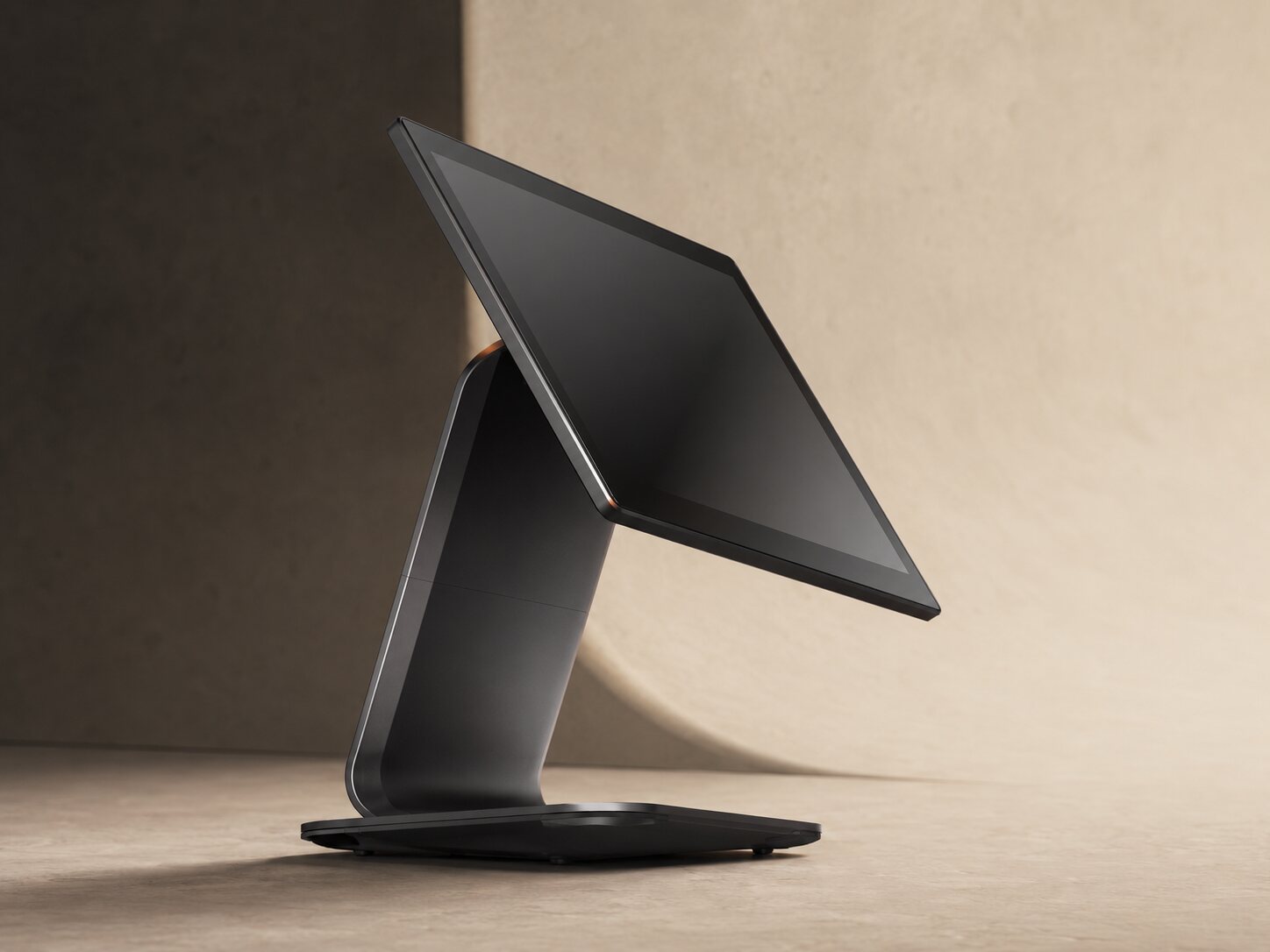
Fixed selling station
A stable display and nearby printer for continuous service at one or more counters.
SUNMI fixed stations, PAX handhelds, business tablets, printers, and scanners—configured after understanding service speed, space, and what the team actually needs.
A stable display and nearby printer for continuous service at one or more counters.
Sell and serve with the customer or across the sales floor without returning to a fixed station every time.
A lighter device for moving through shelves and warehouses, with scanning where required.
A receipt at the counter, label in the stock area, or document in the receiving area.
These families are among our current setup options. Model number, operating-system version, printing, and connectivity are confirmed before any project is approved.
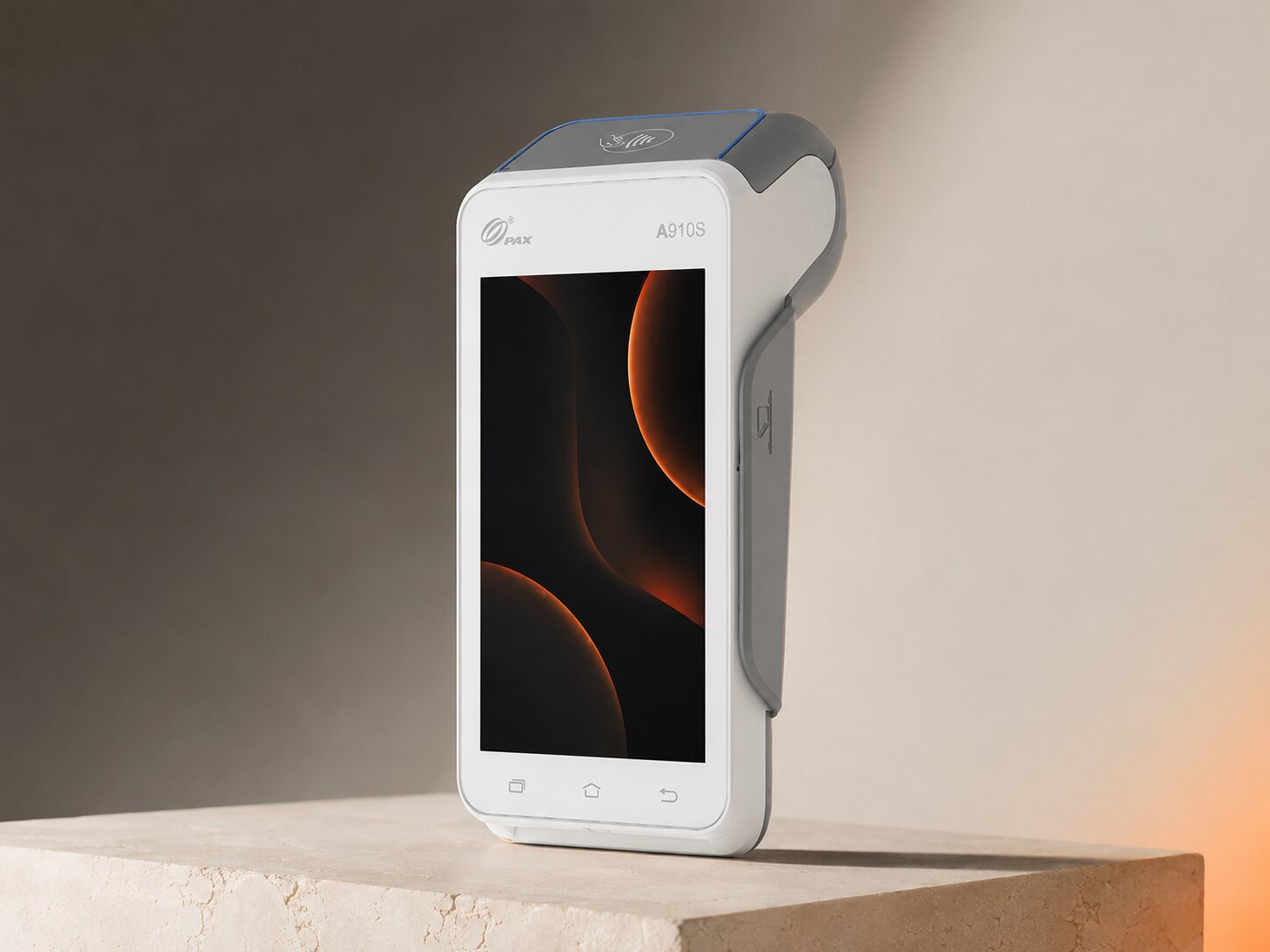
Take the point of sale to the customer or through the sales floor. We verify device version, payment setup, and printing before confirming the configuration.
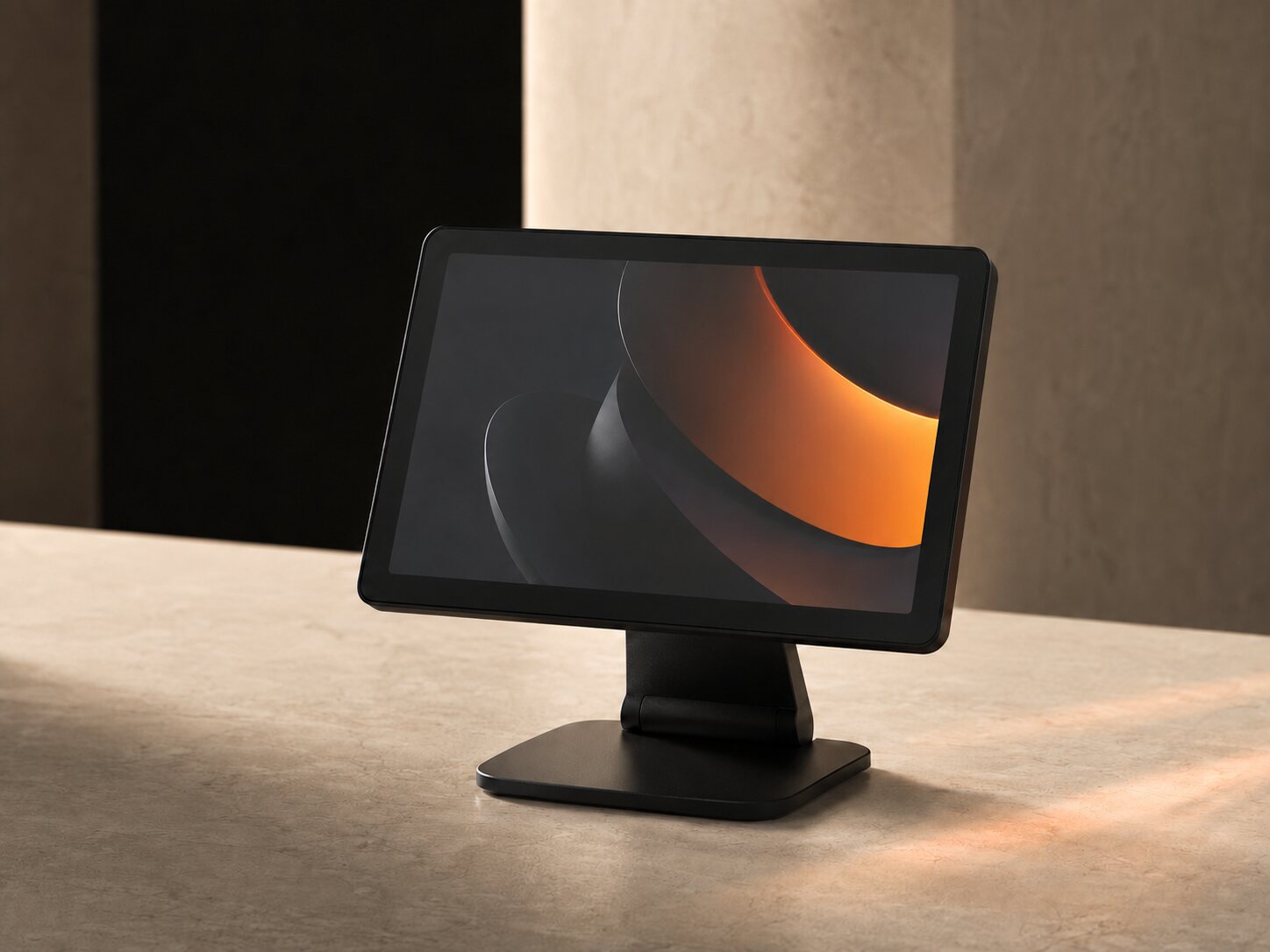
A clear display and organized setup for sites selling through one station. Model, customer display, and printer are selected around the workload.
Use it on a stand or in a more flexible setup for ordering, display, and receiving. Size and accessories follow the team’s movement.
Models can differ by market, and accessories or operating-system versions can change. We document what will work in your project before contracting.
Device placement, printing, scanning, power, and network are part of the employee and customer experience.
We review paper width, connection method, and printer location at the counter or preparation station.
Fixed or mobile scanning based on lookup speed, stock counts, and movement between shelves.
We map connectivity, what continues through weak service, and what waits for synchronization.
We review charging, stands, and power so fixed and mobile devices remain ready.
We reduce clutter while keeping what the team needs close and serviceable.
We decide whether it is needed, what it shows, and where it belongs rather than adding it by default.
Running Plus Cashier on a PAX device does not automatically activate bank or acquiring integration. Selling and payment acceptance are scoped separately, including any provider or agreement required.
Share your service points, service model, and existing devices. We will review what can stay and what needs to change.